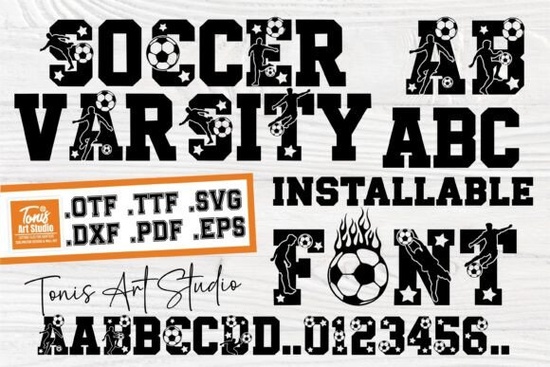
If you design team apparel, match day posters, or youth league merchandise, Ab Soccer Varsity Font gives you the bold, athletic lettering you need without extra styling tricks. The typeface delivers heavy uppercase and lowercase characters, clear numerals, and built-in sports silhouettes that read well on fabric, paper, and digital previews. It’s built for quick layout work, so you can focus on composition instead of manually thickening strokes or adding fake shadows.
What makes this font work for sports projects?
Sport typography relies on high contrast, sturdy letterforms, and instant readability from a distance. This display font checks those boxes by keeping consistent stem widths and open counters, which prevents ink bleed on screen-printed jerseys and keeps vinyl cuts clean. The included athlete and ball silhouettes sit on the same baseline as your text, so you can drop them into a layout without resizing or realigning separate graphics. When you need a slightly different athletic vibe for a secondary line of text, you can browse options like a heavier sport display style or test a more rugged streetwear lettering to create visual hierarchy across a full merchandise line.
Which file formats are included and how do you install them?
You’ll receive both OTF and TTF files, which cover Windows, macOS, and most design software. Double-click the file and select install, or drop the fonts into your system’s font folder if you manage a large library. For cutting machines, the package also ships with SVG, DXF, EPS, and PDF cut files. These vector formats bypass font installation entirely, which is helpful when you share project files with a print shop that doesn’t have the typeface loaded. If you prefer working with monogram layouts for team jackets, you might also explore a classic varsity monogram set that pairs well with block lettering.
How to use it with Cricut, Silhouette, and print-on-demand tools?
Cricut Design Space and Silhouette Studio both accept SVG and DXF files directly. Upload the cut file, ungroup if needed, and weld overlapping paths before sending to your machine. For print-on-demand platforms, export your design as a transparent PNG at 300 DPI or upload the original vector file if the printer supports it. Keep the text size above 24 points for heat transfer vinyl, and avoid stretching the letters horizontally, which can thin out the vertical stems and cause weeding issues. When you want a softer contrast for sponsor names or small details, a clean secondary display font can keep the layout readable without competing with the main headline.
What should you pair it with for balanced layouts?
Heavy athletic lettering works best when balanced with a simple sans-serif or a light script for subheads. Use the varsity font for team names, season years, and jersey numbers, then switch to a neutral typeface for player names, event details, or disclaimers. Stick to two or three colors max, and let the built-in sports icons carry the visual weight instead of adding extra badges or borders. You can preview how Ab Soccer Varsity Font renders across different mockups before committing to a final print run, and you can always return to the full varsity font collection if you need alternate weights for future seasons.
Quick setup checklist before you start designing
- Install the OTF or TTF file and restart your design software to avoid missing glyph errors.
- Test a short phrase at actual print size to check spacing and vinyl weeding difficulty.
- Use the included SVG or DXF files for cutting machines instead of converting text manually.
- Keep contrast high: light text on dark garments or dark text on light backgrounds.
- Outline or embed fonts before sending files to a commercial printer.
Save your project files with clear version names, run a quick test cut on scrap material, and adjust blade pressure if the sports silhouettes leave tiny uncut corners. Once your machine settings are dialed in, you can batch produce team shirts, tournament invites, or sideline banners with consistent results and minimal wasted material.
Explore Design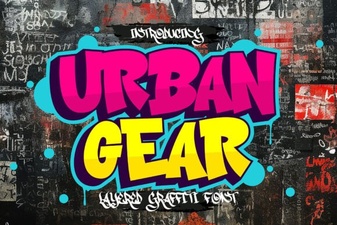 Urban Gear Font: Design Style for Modern Projects
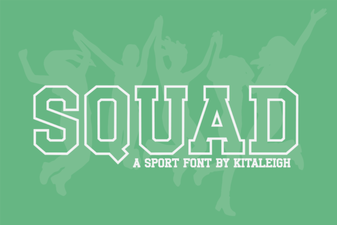 Squad Font: Enhance Designs with Unique Typography
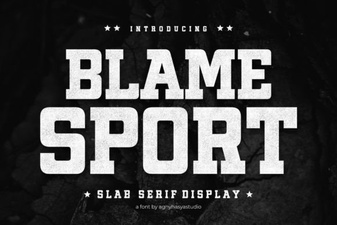 Blame Sport: a Bold Font for Creative Projects
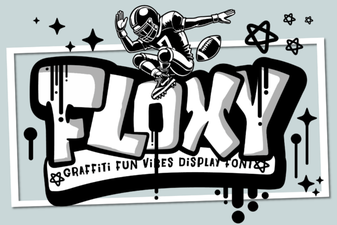 Floxy Font: Creative Ideas for Typography Projects
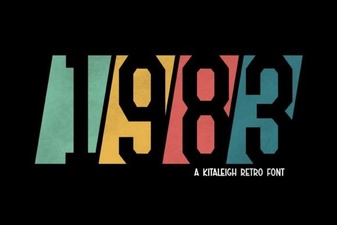 Classic 1983 Font for Modern Digital Design
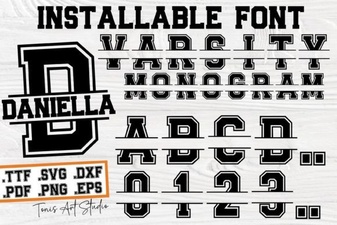 Craft Your Own Varsity Letter Monogram