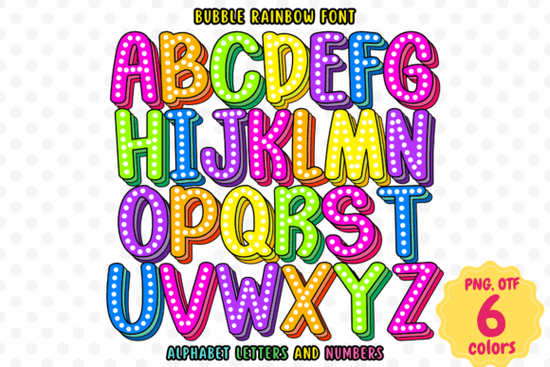
If you need a typeface that instantly adds playful energy to a layout, the Bubble Rainbow Font delivers exactly that. It is an OpenType-SVG color font, which means the rainbow gradient and bubbly shapes are baked directly into the file. You do not have to manually layer colors or adjust vector paths to get that bright, cheerful look. Designers, print-on-demand sellers, and crafters can drop it into a project and see the full spectrum right away.
What makes this a color font?
Standard fonts only carry shape information, leaving you to pick a single fill color. This typeface stores both the letterforms and the multicolor gradient inside one file. When you type a word, the software reads the embedded SVG data and displays the rainbow effect automatically. That saves time when you are batching stickers, party signs, or children’s book covers. If you enjoy working with vibrant typography, you might also want to browse other options in our collection of bright, playful typefaces that keep the same lively mood across different projects.
Which design software actually supports it?
Color fonts rely on specific rendering engines, so compatibility matters more than usual. The Bubble Rainbow Font works smoothly in Adobe Photoshop and Adobe Illustrator, where the OpenType-SVG format is fully supported. It is important to note that the standard OTF and TTF versions will not display the rainbow effect in Cricut Design Space or Inkscape. The product page also mentions Silhouette compatibility, but please keep in mind that Silhouette Studio does not currently support this particular color font format. If your workflow depends on cutting machines, you will need to rasterize the text in a compatible program first, then import the flattened image for tracing or print-then-cut tasks.
Where does this style work best?
The rounded, bubbly structure paired with a built-in gradient makes it a natural fit for projects that target kids, celebrations, or lighthearted branding. You will get the most mileage from it in:
- Children’s book titles and classroom posters
- Birthday party invitations and baby shower signage
- Print-on-demand stickers, mugs, and tote bags
- Social media graphics that need quick visual pop
- Greeting cards and seasonal gift tags
Because the letters already carry heavy visual weight, pair them with a clean, neutral sans serif for body text. If you are building a set of matching assets, you can also experiment with a handwritten style that complements bright displays to keep the overall layout balanced and readable.
How do I install and use it correctly?
Treat it like any other desktop font during installation, but double-check your software settings before you start designing. After installing the file, restart your design program so the new typeface appears in the menu. Select the OpenType-SVG version when prompted, and make sure your text tool is set to display color glyphs. Keep your font size reasonably large so the gradient bands remain clear. When exporting for print, save your file as a high-resolution PNG or PDF with embedded colors. For digital use, flatten the text layer if you plan to upload it to platforms that strip font data. You can find the official Bubble Rainbow Font on Creative Fabrica, where the license covers most personal and commercial projects.
Before you send your design to print or publish it online, run through this quick checklist:
- Verify you are using the OpenType-SVG file, not the standard OTF/TTF
- Test a short phrase in Photoshop or Illustrator to confirm the rainbow renders
- Check contrast against your background so the letters stay legible
- Export at 300 DPI for physical products or 72–150 DPI for screens
- Review the commercial license terms if you plan to sell finished items
Keep a backup of your working file with editable text, and you will be ready to reuse the layout for future campaigns without starting from scratch.
Get Started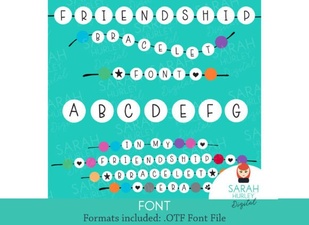 Fonts & Lettering for Friendship Bracelet Designs
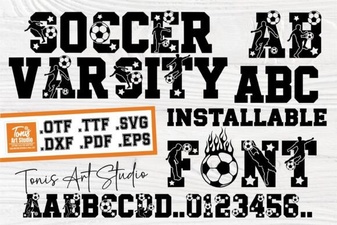 Ab Soccer Font: Design & Diy Jersey Ideas
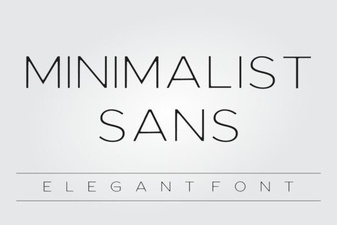 Minimalist Sans Fonts for Clean Design Projects
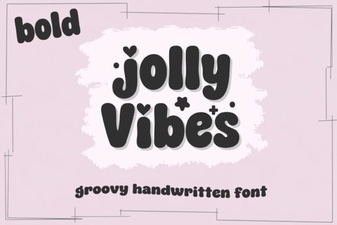 Creative Designs with Jolly Vibes Bold Font
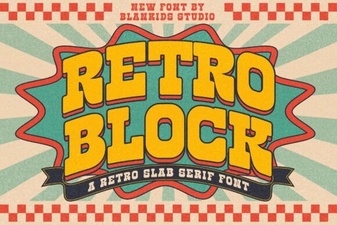 Retro Block Fonts for Creative Design Projects
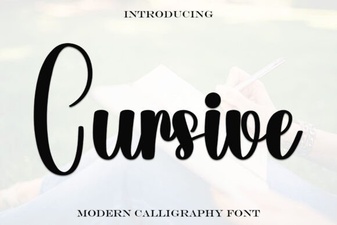 Elevate Your Design with Elegant Cursive Fonts