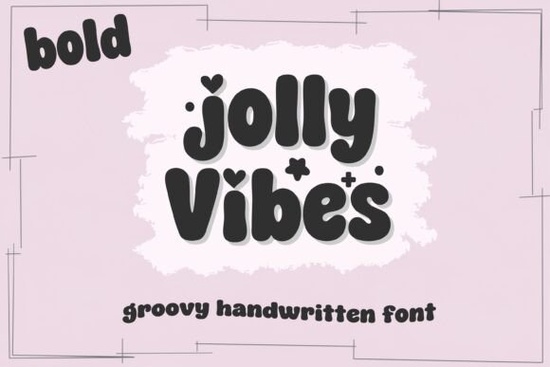
If you need a typeface that feels hand-drawn but still reads clearly at small sizes, Jolly Vibes Bold Font delivers exactly that. It’s a thick, retro-inspired handwritten style built for crafters, print-on-demand sellers, and small business owners who want warm, approachable graphics. The letterforms carry a playful bounce, and the included hearts and stars let you add quick decorative touches without hunting for separate clipart. Because it ships with both solid and outline versions, you can layer them for contrast or keep layouts minimal.
What makes this typeface stand out for everyday projects?
The design leans into a groovy rhythm without feeling dated. Each character has consistent weight, which helps maintain readability on busy backgrounds or textured paper. The solid style works well for headlines, stickers, and social quotes, while the outline version adds breathing room when a composition feels too heavy. You’ll find a full set of uppercase and lowercase letters, numbers, and standard punctuation. That means you can type full sentences, pricing tags, or event details without switching to a backup font mid-project. If you regularly browse handwritten typefaces with extra swashes and alternates, you’ll notice how this one keeps spacing predictable, which saves time during tight deadlines.
Which software and cutting machines work best with it?
The download includes both OTF and TTF files, so installation is straightforward on Windows and Mac. Once installed, the font appears in Canva, Procreate, Adobe Illustrator, and most standard design programs. For crafters using cutting machines, the thick strokes translate cleanly to vinyl, cardstock, and heat transfer material. Cricut Design Space and Silhouette Studio both recognize the files without extra conversion steps. When cutting, I recommend using the solid version for easier weeding, especially on detailed letters like lowercase “e” or “a”. If you’re layering text for apparel or tote bags, try placing the outline style over a contrasting background to keep the retro feel intact. You can also explore the full preview and character map to see how each glyph renders before you start weeding or printing.
How do you pair it with other lettering styles?
Because this font already carries strong personality, it pairs best with quiet, neutral typefaces. A simple sans serif for body text keeps the layout balanced, while a thin monoline script can work for short accents if you keep the sizing small. When building a brand kit or seasonal product line, try testing it alongside softer brush styles for a relaxed café-menu vibe, or mix it with rounded handwritten options when designing kids’ party supplies. If you need a more polished signature look for packaging labels, browsing a collection of elegant scripts can help you find a secondary font that doesn’t compete for attention. The goal is letting the bold characters lead while everything else stays understated.
What should you check before downloading or using it commercially?
Always review the license file included in the zip folder. Most creative marketplaces separate personal and commercial rights, and print-on-demand sellers usually need a commercial or POD license to sell finished products. Check whether the license covers digital downloads, physical merchandise, or both. Keep your original purchase receipt and note the version number in case updates are released later. If you plan to use the font in client work, make sure your agreement allows font embedding or outline conversion, depending on the deliverable. You can find the official listing and current license terms for Jolly Vibes Bold Font directly on the marketplace.
Before you start your next layout, run through this quick setup list:
- Install both the OTF and TTF files, then restart your design software.
- Test the solid and outline styles at the exact size you plan to print or cut.
- Check spacing and kerning on words with repeating letters like “little” or “summer.”
- Verify your license covers the intended use, especially for POD or client projects.
- Save a branded text style in your workspace so you can reuse the pairing quickly.
Take ten minutes to type out a few sample phrases, print them on your actual material, and adjust the cut settings or contrast before committing to a full run. Small tests save time and keep your final products looking sharp.
Get Started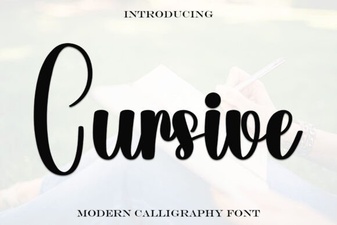 Elevate Your Design with Elegant Cursive Fonts
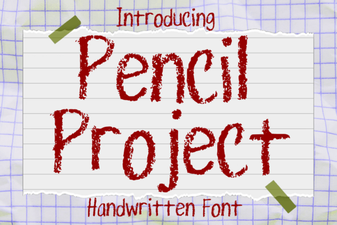 Design Your Website with the Pencil Project Font
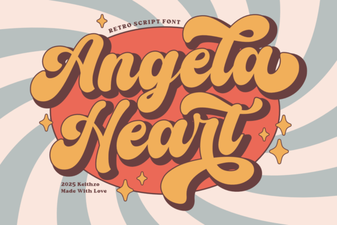 Angela Heart Fonts for Creative Designs & Craft Projects
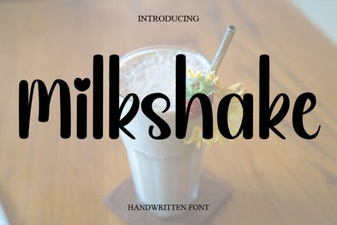 Milkshake Font Designs for Creative Typography
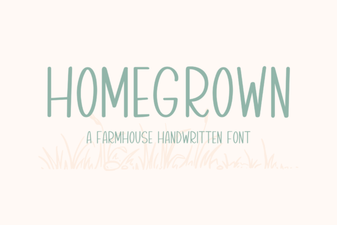 Craft Your Own Font: a Homegrown Design Project
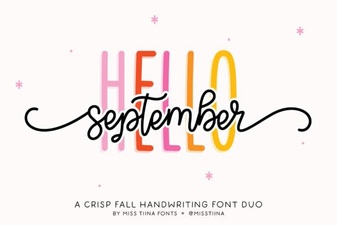 Hello September Duo Font: Design Ideas & Tips