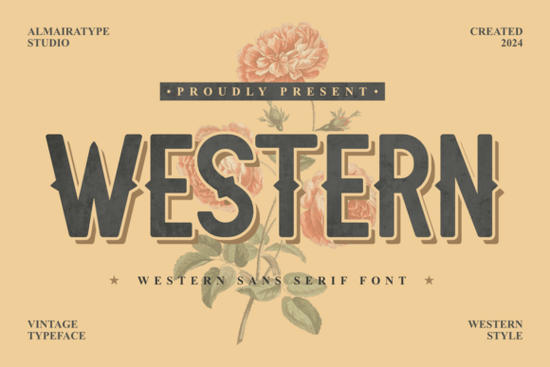
If you need a typeface that instantly brings a rugged, vintage feel to your layouts, Western Font delivers exactly that. It is a bold sans serif with blocky proportions and a built-in distressed texture, which means you do not have to spend extra time adding grunge effects in your design software. Designers, crafters, print-on-demand sellers, small businesses, and creative hobbyists often choose this style for western-themed branding, rustic home decor prints, or short headlines that need to stand out without feeling overly polished.
What makes this typeface work for rustic projects?
The strength of this font lies in its straightforward construction. The letters are thick and evenly weighted, which keeps text readable even when you scale it down for product labels or hang tags. The worn edges are baked into the glyphs, so the vintage look stays consistent across every character. This saves time when you are preparing files for screen printing, laser cutting, or digital downloads. Because it avoids delicate serifs and thin strokes, it holds up well on textured paper, wood signs, and fabric transfers. Within the sans serif category, this style stands out because the heavy structure gives your layout a grounded feel without requiring extra illustration work or complex masking techniques.
Where does it fit best in your daily workflow?
This style shines when used sparingly. Reserve it for titles, short phrases, or logo marks where the bold shapes can breathe. Long paragraphs will feel heavy, so switch to a cleaner sans serif for body copy. When you are building a brand kit or a product listing, you might pair it with something softer to balance the rough edges. For example, a rounded option like a sweet, approachable sans can soften packaging labels, while a clean, minimalist typeface works well for instructions and fine print. If you want to keep everything in the same visual family, you can explore other rugged sans serif options that share similar proportions but offer different weights or alternate characters.
How do you prepare files for print and digital use?
Working with distressed type requires a few practical steps to keep your output sharp. First, convert your text to outlines before sending files to a printer or cutting machine. This prevents missing glyph errors and locks in the texture exactly as you designed it. Second, check your contrast. Dark ink on light paper usually reproduces the worn details best, while light ink on dark backgrounds can fill in the distressed gaps. If you are selling digital templates or merchandise, always test a physical proof at actual size. A font that looks great on a monitor might lose its texture when scaled down to a three-inch sticker. Keep your layer structure simple since the font already carries the vintage finish.
What should you verify before using it commercially?
Before adding any typeface to a client project or an online store, review the license carefully. Some font packages allow personal use only, while others include commercial rights for physical products, digital templates, or web embedding. Check whether the license covers the number of end products you plan to sell, and note any restrictions on logo trademarking. If you are listing items on marketplaces, keep a copy of your purchase receipt and license terms in your project folder. This makes it easy to answer buyer questions or handle platform verification requests. When you need to confirm availability or compare licensing tiers, you can search for Western Font directly on the marketplace to see the latest files and usage terms.
Quick checklist before you export your design
- Use the font for headlines, logos, or short phrases under ten words.
- Pair it with a lighter sans serif for body text and fine print.
- Convert text to outlines to preserve the distressed texture across devices.
- Test print at actual size to ensure the worn details do not fill in.
- Verify commercial license terms for your specific product type and sales volume.
Keep your layout simple, let the heavy letterforms do the visual work, and you will have a finished design that feels authentic without extra editing steps.
Try It Free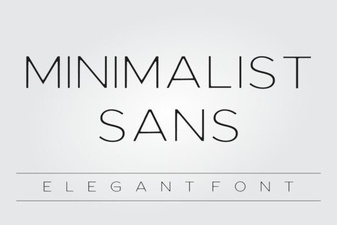 Minimalist Sans Fonts for Clean Design Projects
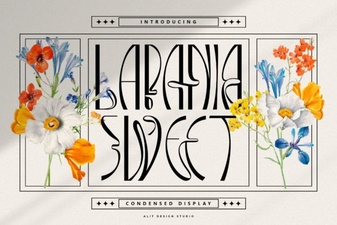 The Perfect Font for Sweet & Creative Branding
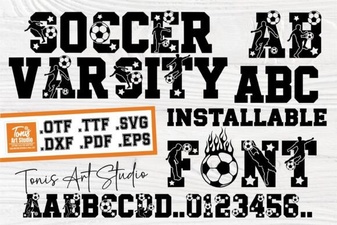 Ab Soccer Font: Design & Diy Jersey Ideas
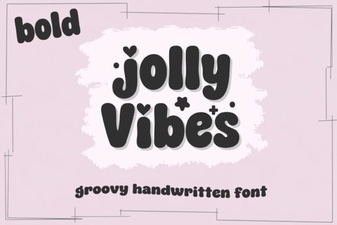 Creative Designs with Jolly Vibes Bold Font
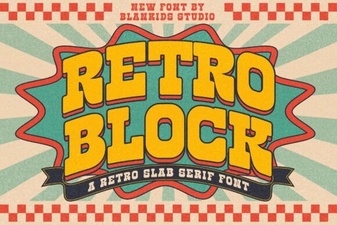 Retro Block Fonts for Creative Design Projects
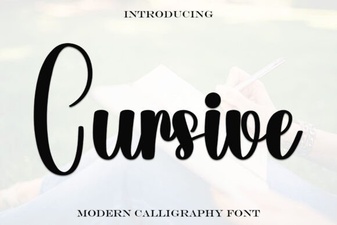 Elevate Your Design with Elegant Cursive Fonts